
-

-
Password Finder
8.0.0.31 官方版
- 软件大小:5.2MB
- 更新日期:2024-09-14
- 下载次数:0次
- 软件语言:简体中文
- 软件授权:共享软件
- 软件评级:

- 安全检测:无插件无病毒
- 软件类型:国产软件
- 软件分类:密码恢复
- 软件系统:winall



Password Finder简介
Password Finder官方版是一款小巧专业的密码查找恢复工具,Password Finder最新版功能强劲,为用户提供了超过一百个软件程序的用户名和密码恢复备份功能,Password Finder软件操作简便,可以为我们扫描本地和网络计算机,帮助您找到丢失的密码。
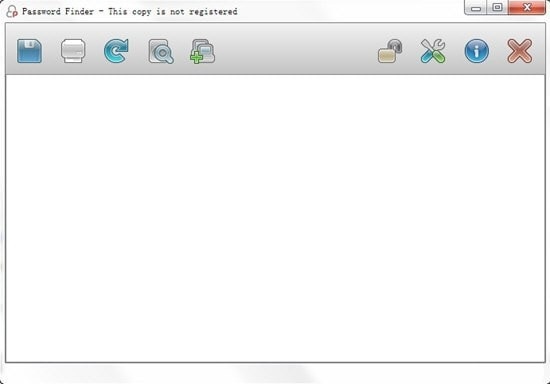
Password Finder软件特色
没有浪费时间尝试手动查找密码信息;
没有更多的密码信息丢失造成的挫折;
Password Finder官方版不再需要成为计算机专家才能在您的计算机上找到隐藏的密码;
无需重新配置软件产品;
易于使用的界面扫描,收集,显示和导出密码及相关信息;
在本地计算机和网络计算机上准确搜索密码信息;
该数据库现在支持108个软件供应商和产品,包括Web浏览器,即时消息程序,电子邮件客户端,FTP客户端,同时扫描多台远程计算机,数据库经常更新,并且正在添加其他密码定义。
Password Finder安装说明
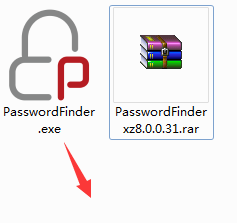
1、在51下载站下载Password Finder官方版软件包,解压缩找到PasswordFinder.exe程序点击开始安装,语言默认英文即可
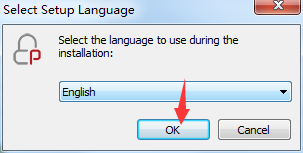
2、查看软件安装协议,勾选同意选项,点击“Next”继续安装
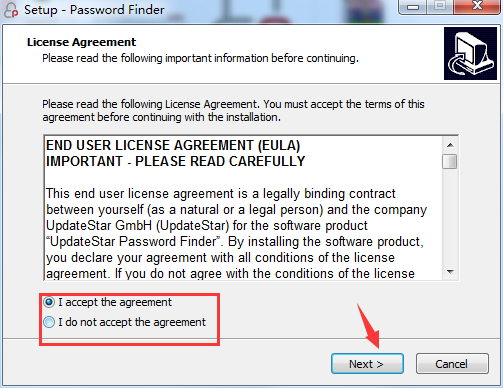
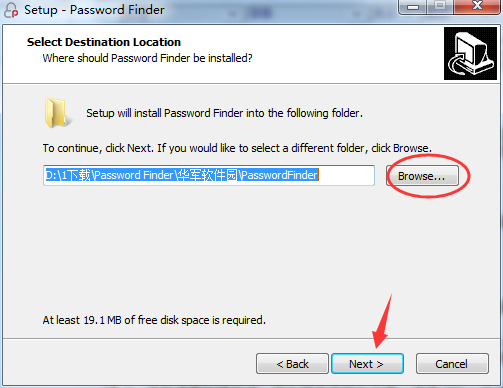
3、软件默认安装路径为C:Program Files (x86)UpdateStarPasswordFinder 51下载小编选择了D:1下载Password Finder51下载站PasswordFinder 路径,点击“Next”继续安装
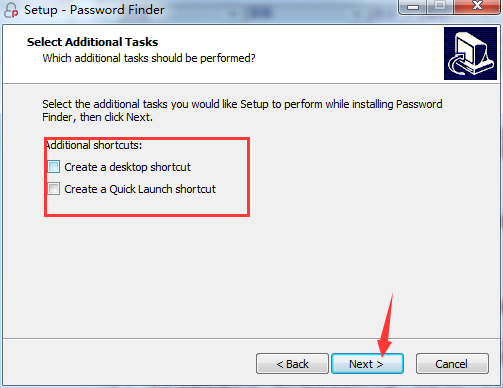
4、选择桌面快捷方式、开始菜单等附加任务,点击“Next”继续
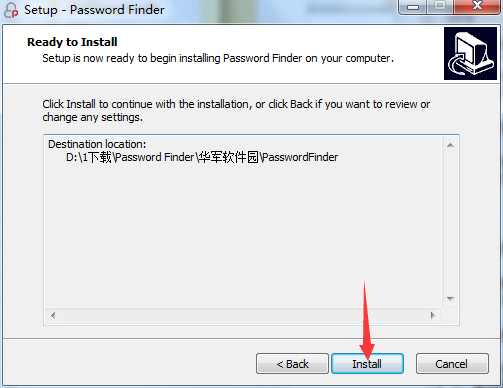
5、查看安装设置,点击“Install”开始安装
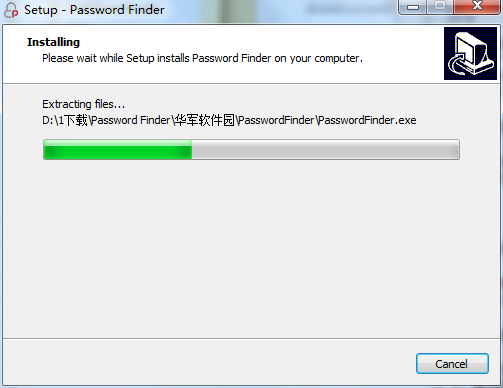
6、等待软件安装
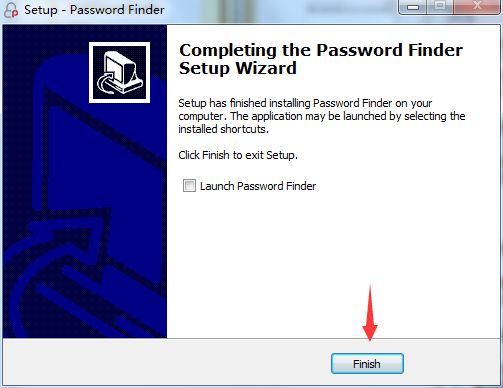
7、安装完成,根据需求选择是否立即启动软件,点击“Finish”退出安装向导
相关专题
换一换人气软件
-
抖音电脑版8.5.1.0


4.58MB|2026-09-11
-
虎牙直播7.32.0.0

2.79 MB|2026-08-14
-
360软件管家V14.0.0.2236

95.2MB|2026-07-23
-
雷神加速器V11.3.1.8

88.3MB|2026-06-17
-
驱动精灵2025.8.5.220

105MB|2026-06-17
-
泡泡加速器25.12.5.1

2.92 MB|2026-05-20
- 51热搜
- 热门分类
- 热门专题


热搜推荐
-
 爱奇艺14.8.5.10228
|67.38MB
爱奇艺14.8.5.10228
|67.38MB -
 我的世界1.18.41.2
|185.44MB
我的世界1.18.41.2
|185.44MB -
 QQ游戏大厅5.89.58862.0
|113 MB
QQ游戏大厅5.89.58862.0
|113 MB -
 360压缩4.0.0.1670
|16.0 MB
360压缩4.0.0.1670
|16.0 MB -
 wps office12.1.0.26895
|248MB
wps office12.1.0.26895
|248MB
装机必备软件






小编推荐
-
1
抖音电脑版8.5.1.0
视频播放|
-
2
虎牙直播7.32.0.0
视频播放|
-
3
360软件管家V14.0.0.2236
系统安全|
-
4
雷神加速器V11.3.1.8
网络加速|
-
5
驱动精灵2025.8.5.220
硬件工具|
-
6
泡泡加速器25.12.5.1
网络加速|
-
7
万能数据恢复大师7.0.1.1

数据恢复|
-
8
红手指云手机v4.12.081

游戏软件|
-
9
迅游网游加速器8.0

网络加速|
-
10
苹果恢复大师3.8.38.2362最新版

数据恢复|
最新软件
-
 海康威视400SADP密码重置工具
5.2MB/2024-09-14
-
 海康威视400SADP密码重置工具
5.2MB/2024-09-14
-
 arpr软件
5.2MB/2024-09-14
-
 Advanced Office Password Recovery
5.2MB/2024-09-14
-
 PassFab for ZIP
5.2MB/2024-09-14
-
 星号密码查看器
5.2MB/2024-09-14